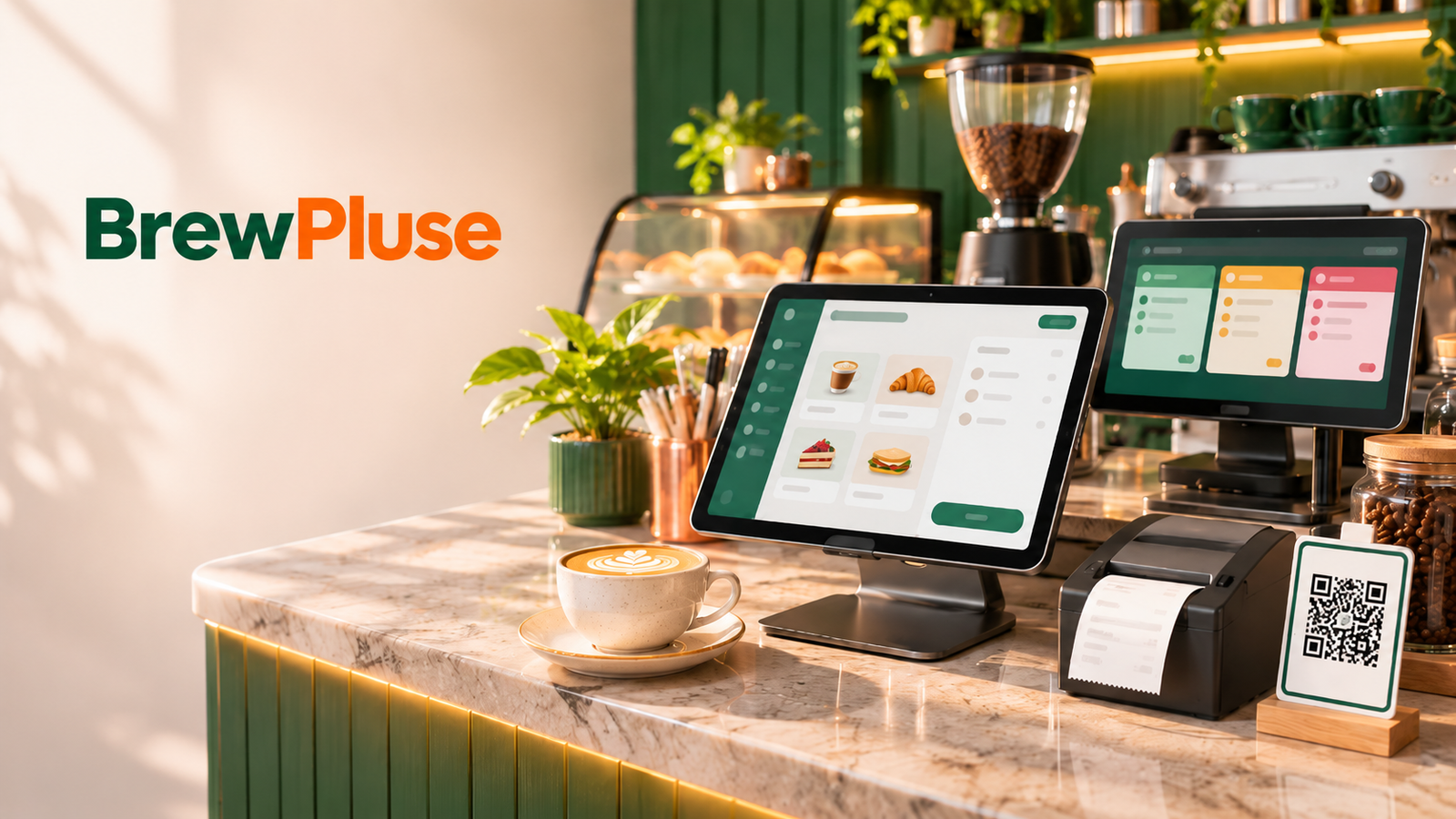
Picture a Saturday at 9:30 a.m. The queue runs out the door. One barista is calling “oat milk, extra shot” across the bar, the cashier is squinting at a customer’s phone to confirm a UPI payment, and nobody has noticed that the milk crate under the counter is nearly empty. By noon, the oat milk is gone, and a regular has walked out.
That scene is exactly what cafe management software is built to prevent. It connects billing, orders, the barista station, stock, and reports, so the right information reaches the right person before a small problem becomes a lost sale.
This guide explains what cafe management software does, which features deserve your attention, how GST and UPI fit in, what it costs, and how to choose a system without regretting it six months later. It is written for cafe owners and managers in India who are comparing options for the first time.
Kya aapke paas CMO rakhne ka budget nahi hai? Kya aapko ye bhi nahi pata ki aapki digital marketing agency sahi kaam kar rahi hai ya nahi? The Star...
A quick disclosure: this guide is published by BrewPluse, which makes cafe software, so we have a stake in the answer. We wrote it to be useful whichever system you end up choosing.
What Is Cafe Management Software?
Cafe management software is a single system that connects counter billing, table and takeaway orders, barista or kitchen tickets, stock tracking, payments, and sales reports. Instead of juggling a billing machine, paper slips, and spreadsheets, the owner and staff work from one shared record of what was ordered, sold, and used up.
Most people first meet the idea through the word “POS.” A point-of-sale system is the billing core: it rings up items, takes payment, and prints the bill. Cafe management software starts there and keeps going. It tells the barista what to make, tells you how much milk is left, shows which items earn the most margin, and remembers your regulars.
You will see vendors use the terms cafe POS software, cafe billing software, and restaurant and cafe management software almost interchangeably. The practical difference is scope. A billing app covers the counter. A management platform covers the whole operation, from the first order of the day to the closing report.
Why Cafes Need More Than a Billing Machine
A cafe looks simple from the outside. Inside, order values are small, volumes are high, every drink has modifiers, and the product runs on perishable ingredients with thin margins. Three problems show up again and again.
Orders get distorted on the way to the bar. A handwritten slip or a shouted instruction loses detail. Less sugar, oat milk, extra hot: every missed note is a remade drink and a wasted ingredient.
Stock disappears without anyone seeing it. Without ingredient-level tracking, you learn about shortages when they happen, and waste stays invisible until the month-end numbers look wrong. Our guide to cafe inventory management goes deeper on this.
Payments and tax create constant admin. UPI is now the default way many customers pay. NPCI data reported by Business Standard shows UPI processed 25.47 billion transactions in October 2026 alone. On the tax side, restaurant services outside specified hotel premises generally attract 5% GST without input tax credit, so every bill needs the right calculation and a clean record. Confirm your exact category with your chartered accountant.
Take a ₹580 order of a coffee, a toast, and a cookie. At 5% GST, the tax is ₹29, and the total is ₹609. Easy once. Tedious at 200 bills a day, done by hand, then reconciled at month-end.
Staff turnover adds another layer. Cafes see frequent changes on the floor, so a system that a new barista or cashier can learn within a single shift is worth more than one with a long feature list and a long training manual.
So when do you actually need software? A tiny kiosk with a short menu can survive on a basic billing app. Once you add table service, a separate barista station, or a second outlet, the cost of coordinating by hand starts to exceed the cost of software.
Core Features of Cafe Management Software
Not every cafe needs every module of cafe management software on day one. Here is what each feature does, so you can decide what matters for your setup.
Counter Billing and POS
Fast billing is the base layer. Look for an item grid with search or photos, modifiers such as milk type and size, split payments, discounts that need a manager’s permission, held orders, and bills that print on a standard thermal printer. Test it with your busiest realistic order. If a standard latte takes more than a few taps, cafe POS software will cost you queue time instead of saving it.
Kitchen Orders: KOT and Kitchen Display
A Kitchen Order Ticket (KOT) is the slip, printed or on a screen, that tells the kitchen or bar what to prepare. Printed tickets work, but screens do the same job with colour-coded timers and no paper pile beside the grinder. A kitchen display system routes drinks to the barista and food to the kitchen, so each station sees only its own items.
QR Code Ordering for Cafes
Guests scan a code on the table, browse the menu, customise an item, and send the order to the counter or kitchen. QR code ordering for cafes helps most during peak hours and in seated cafes where staff would otherwise walk back and forth. It only works if the menu stays accurate, so look for a live out-of-stock toggle. You can see the idea in action in a QR table ordering system.
Inventory and Recipe Costing
Basic inventory counts what you hold. Recipe-level tracking goes further: you record how much coffee and milk a flat white uses, and each sale deducts those quantities automatically. You get an expected stock level to compare with a physical count, plus a true cost per item so you can see real margins. This is the feature that most separates cafe management software from a billing app, and it takes the most setup effort. Be realistic: the numbers are only as good as the recipes you enter.
GST Billing and Payments
Cafe billing software with GST should calculate tax automatically, print the details your bills need (GSTIN, tax breakup, and any license numbers you display), and keep a record your accountant can use. For payments, check UPI support, how confirmation reaches the cashier, and whether cash, card, and UPI can be combined on one bill. Ask how the daily settlement report matches your bank statement.
Reports and Analytics
Good reports answer practical questions. Which hours are busiest? Which items sell well but earn little? Which shift has the most voids and discounts? How does this week compare with last? If you cannot see a daily sales summary on your phone within a minute, the reporting is not working for an owner.
Loyalty and Customer Feedback
Digital stamp cards and review prompts replace paper punch cards and turn first-time visitors into regulars. Treat them as a bonus rather than the reason to pick a system, but they do give you repeat-customer data you would not otherwise have.
Multi-Outlet Management
If you run, or plan to run, more than one location, you need one menu with outlet-level pricing and stock, plus a combined dashboard. Even with a single outlet today, ask whether the software can grow with you without a painful data migration.
Use this table to rank cafe management software features for your own cafe.
| Feature | Problem it solves | Priority for a single cafe |
|---|---|---|
| Counter billing | Slow queues, billing errors | Essential |
| KOT or kitchen display | Lost modifiers, shouted orders | Essential if you have a separate bar or kitchen |
| QR ordering | Waiter load at peak hours | Useful for seated cafes |
| Recipe inventory | Waste, stock-outs, unknown margins | High, but needs setup time |
| GST and UPI | Tax errors, manual payment checks | Essential |
| Reports | Guesswork on sales and staffing | High |
| Loyalty | Repeat visits | Nice to have |
| Multi-outlet | Inconsistent menus and pricing | Only if you run or plan more than one outlet |
A Typical Day With Cafe Management Software
Here is how cafe management software works across one day, step by step.
- Opening: Staff log in with their own PINs and the opening cash amount is recorded.
- Orders arrive: They come from the counter, from QR codes on tables, and from takeaway.
- Tickets route: Drinks appear at the barista station and food at the kitchen, each with its modifiers.
- Payment is recorded: UPI, cash, or card is logged, and a bill with GST is printed or shared digitally.
- Stock updates: Ingredients are deducted as items sell.
- Midday check: The manager spots that milk is running low and reorders before the evening rush.
- Closing: A day-end report shows sales, payment split, discounts, and cash to reconcile.
The value is not in any single step. It is that the information entered at step two flows through steps three to seven without anyone retyping it.
Read Also: Website Launch Checklist: 35 Steps to Get Found on Google (2026)
Cafe Management Software for Different Types of Cafes
The right setup changes with the kind of cafe you run.
Speciality coffee bars live and die by speed and modifiers. Prioritise fast counter billing, clear modifier handling, and a barista display so drink details never rely on shouting. Recipe costing matters here because milk alternatives and single-origin beans carry very different costs.
Bakeries and dessert shops sell many items with short shelf lives. Look for cafe management software with item-level stock tracking, easy end-of-day wastage entry, and a way to run discounts on near-expiry items without breaking your reports.
Dine-in cafes and bistros need table management, split bills, and waiter ordering from a phone or tablet. This is where QR ordering and a kitchen screen earn their place, because orders arrive from several directions at once.
Takeaway-heavy and cloud kitchen setups care most about order accuracy, packaging cost tracking, and clean reports by order source. Dining features such as table maps matter less.
Multi-outlet brands need central menu control and comparable reports across locations before anything else. Ask to see a consolidated report during the demo, not a slide about one.
Cloud, Offline, and Hybrid: What Works for Indian Cafes
Internet reliability is the quiet deciding factor. Cloud-based cafe management software stores your data online, lets you check sales from anywhere, and updates itself. The risk is simple: if the connection drops at 9:30 a.m., can you still bill?
| Approach | Strength | Watch out for |
|---|---|---|
| Cloud only | Remote access, automatic updates | Billing may stall without internet |
| Cloud with offline mode | Keeps billing during outages and syncs later | Confirm which features work offline, since guest QR orders generally need a connection somewhere in the chain |
| Local desktop software | Works without internet | Harder remote access and manual backups |
The best test costs nothing. During the demo, switch off the Wi-Fi and ring up an order. What happens next tells you more than any feature list.
How to Choose the Best Cafe Management Software in India
There is no single best cafe management software in India for every cafe. The best choice is the one that fits your menu, your staff, and your connectivity. Work through this process.
- List your top five daily headaches before you look at any product. Slow queues? Stock-outs? Tax paperwork? Let the problems drive the shortlist.
- Separate must-haves from later. Decide which modules you need now and which you might add in a year.
- Check payments and tax. Confirm UPI support, GST-ready bills, and a report your accountant can actually use.
- Demo with your real menu. Enter your actual items and modifiers, not the vendor’s sample cafe.
- Work out the total cost. Add up subscription, per-order fees, hardware, add-ons, and support charges.
- Test support before you buy. Call or message the support line and see how quickly a human answers.
- Check your exit. Ask whether you can export your sales, menu, and customer data if you leave.
- Pilot at one counter. Run the new system alongside the old one for a few days before switching fully.
Six questions to put to every cafe management software vendor:
- What happens when the internet drops during service?
- Which orders, features, or devices cost extra?
- Can I export all of my data in a standard format?
- How do I get help in the middle of a rush?
- Does it run on devices I already own, or do I need special terminals?
- How are updates handled, and do they ever interrupt service?
A note on hardware: most cafes need a thermal printer, a counter device such as a tablet or PC, and optionally a screen for the kitchen or bar. Check that the software works with printers you already own before you buy anything new.
Common Mistakes When Buying Cafe Management Software
Buying on price alone. A free or cheap plan can still become expensive through per-order fees, paid add-ons, or hardware you must replace. Compare the annual total, as shown below.
Choosing features you will never switch on. A system with fifty modules is not better than one that does your five daily jobs well. Unused features add training time and confusion.
Skipping the staff. Your baristas and cashiers will use the system more than you will. Let them try the demo. If the person on the busiest shift finds it slow, you have your answer.
Entering sloppy data. Wrong prices, missing modifiers, and rough recipes produce reports you cannot trust. An afternoon of careful setup saves months of doubt.
Never checking the reports. Many owners install cafe management software, bill through it, and never open the reports. Its biggest advantage is visibility, so schedule a fifteen-minute review every week.
Ignoring the exit. If you cannot export your data, you are locked in. Ask about this before you sign up, not when you want to leave.
What Does Cafe Management Software Cost?
Vendors price cafe management software in four common ways:
- Monthly or annual subscription: predictable, but charged whether the month is busy or slow.
- Per-order or transaction fee: scales with your sales, so it is low in quiet months and grows in busy ones.
- One-time license: you pay once, though updates and support may cost extra.
- Hardware: some systems need proprietary terminals, while others run on tablets, phones, or PCs you already own.
Do the arithmetic on your own volume: (monthly fee x 12) + (orders per month x per-order fee x 12) + hardware + add-ons. Then compare vendors on the annual total, not the headline price.
As an example, BrewPluse publishes a model of ₹0 per month for the software subscription plus ₹1 per eligible order on its pricing page. A cafe with 60 eligible orders a day would pay about ₹1,800 in a 30-day month if it absorbs the fee, and about ₹4,500 at 150 orders a day. The site also lets the cafe choose to pass the fee to the guest at checkout. Whatever vendor you consider, ask for the cost in writing and check which orders count as eligible.
Where BrewPluse Fits
BrewPluse is a cafe and restaurant POS and management platform. According to its website, it covers counter billing, QR table ordering, a kitchen display system, a digital menu, waiter ordering from a smartphone, recipe-level inventory, loyalty stamp cards, and reports across outlets. It states that it runs on an iPad, PC, or phone, and that it keeps working through internet drops and syncs afterwards.
It may suit independent cafes and bakeries that want a low fixed monthly cost and are comfortable with a small per-order fee. It may suit you less if you want a one-time purchase with no per-order charge, or if you need a specific accounting integration, in which case ask before you commit.
We would rather you test it than take our word for it. The live demo is open, and the free cafe management software page explains the model in detail. Run it through the checklist above, including the Wi-Fi test.
Your First 30 Days After Choosing a System
A smooth start with your new cafe management software matters more than the logo on the login screen.
- Week 1: Enter your menu, prices, modifiers, and tax settings. Add your GSTIN to the bill header, connect the printer, and test the payment flow with a few small real transactions.
- Week 2: Give every staff member their own login. Run the old and new systems side by side during off-peak hours.
- Week 3: Go fully live at the counter. Add table QR codes and the kitchen screen once counter billing feels routine.
- Week 4: Enter recipes for your ten best-selling items, do a physical stock count against the system, and review your first weekly report.
One practical tip: do not switch systems on a festival weekend or during a sales promotion.
How to Tell If Your Cafe Management Software Is Working
Give the system a full month, then look at a few plain measures. Record each one before you switch, so you have a baseline to compare against.
- Time to complete a bill at the counter, measured at your busiest hour.
- Remade or wrongly served orders per day, which show whether modifiers are reaching the bar.
- Stock variance, meaning the gap between what the system says you hold and what a physical count finds.
- Food and beverage cost percentage for your top items, using your recipe costs.
- Voids and discounts by shift, which show where control is weak.
- Time spent on month-end paperwork, including the file you send to your accountant.
If none of these improves after two or three months, the cause may be setup, training, or the product itself. Review them in that order before you decide to switch.
What Cafe Management Software Cannot Fix
Software shows you problems faster. It does not solve them. A weak menu, a poor location, an untrained team, or an unrealistic rent will still hurt, even with perfect reports. Treat the system as a clear mirror and a time saver, then act on what it shows you.
Choosing With Confidence
The right cafe management software removes friction from the places that cost you most: the queue, the bar, the stock room, and the tax file. Start small. Write down your five headaches, shortlist two systems, run both demos with your real menu, and switch off the Wi-Fi to see what happens.
If you are weighing options, BrewPluse is one of them. Looking to simplify your cafe or restaurant operations? Explore BrewPluse and see how a modern POS and restaurant management platform can help you manage billing, orders, kitchen operations, and inventory from one place. You can try the demo, or write to support@brewpluse.com or call +91 9471273041 with questions.
Frequently Asked Questions
What is cafe management software?
Cafe management software is a single system that handles billing, order taking, barista or kitchen tickets, inventory, payments, and reports for a cafe. It replaces paper slips and spreadsheets with one shared record, so owners can see sales, stock, and staff activity without collecting numbers by hand at the end of the day.
How is cafe management software different from a POS?
A POS mainly handles billing and payment at the counter. Cafe management software includes POS and adds kitchen or barista routing, QR ordering, recipe-level inventory, reporting, loyalty, and multi-outlet control. If you only need to print bills, a POS may be enough. If you want to control stock and costs, you need the wider system.
Do I need cafe management software for a small cafe?
Not always. A kiosk with a short menu and one counter can run on a simple billing app. The case for full software grows with table service, a separate bar or kitchen, a larger menu, or a second outlet. If stock loss and slow queues already hurt you, it is worth trialling a system now.
Can cafe management software work without internet?
Some can. Offline-capable systems keep billing and printing on the device and sync to the cloud when the connection returns. Others stall without internet, so always ask the vendor and test it in a demo. Guest QR orders from phones generally still need a connection somewhere in the chain.
How much does cafe management software cost in India?
It varies by vendor and model. Common structures are a monthly subscription, a per-order fee, a one-time license, or a mix, plus possible hardware costs. Compare vendors on the total yearly cost for your own order volume, and ask for pricing in writing before you commit.
Can cafe management software handle GST billing?
Yes, cafe billing software with GST can calculate tax on each item, print compliant bill details, and produce reports your accountant can use. Standalone restaurant services generally attract 5% GST without input tax credit, but your exact treatment depends on your setup, so confirm it with your chartered accountant.
Which features should a new cafe prioritise first?
Start with fast counter billing, GST-ready bills, UPI payments, and daily reports. Add barista or kitchen routing next, then QR ordering and recipe-level inventory once the basics run smoothly. Rolling features out in stages keeps training manageable and lets you spot problems early, before they affect the whole team.
What is the catch with free cafe management software?
Free usually means the vendor earns money elsewhere: a per-order fee, paid add-ons, payment margins, or limits on outlets and users. That is not necessarily bad, but you should know the model. Ask what is free, what is paid, and how the vendor makes money, then calculate the cost at your own volume.